
Never miss the right opportunities for your child
WiWit brings you the competitions, scholarships, workshops, and programs that fit your child, and reminds you before the deadline of every opportunity you save.
Scan to install on your phone
Open your phone camera and point it at this code.
Set up in under a minute.
- Free for parents. Always.
- Every listing is checked before it goes live.How we check
- No organization pays to be listed.
- We never rate or compare your child.
- Your child's page stays private until you share it.
What you get
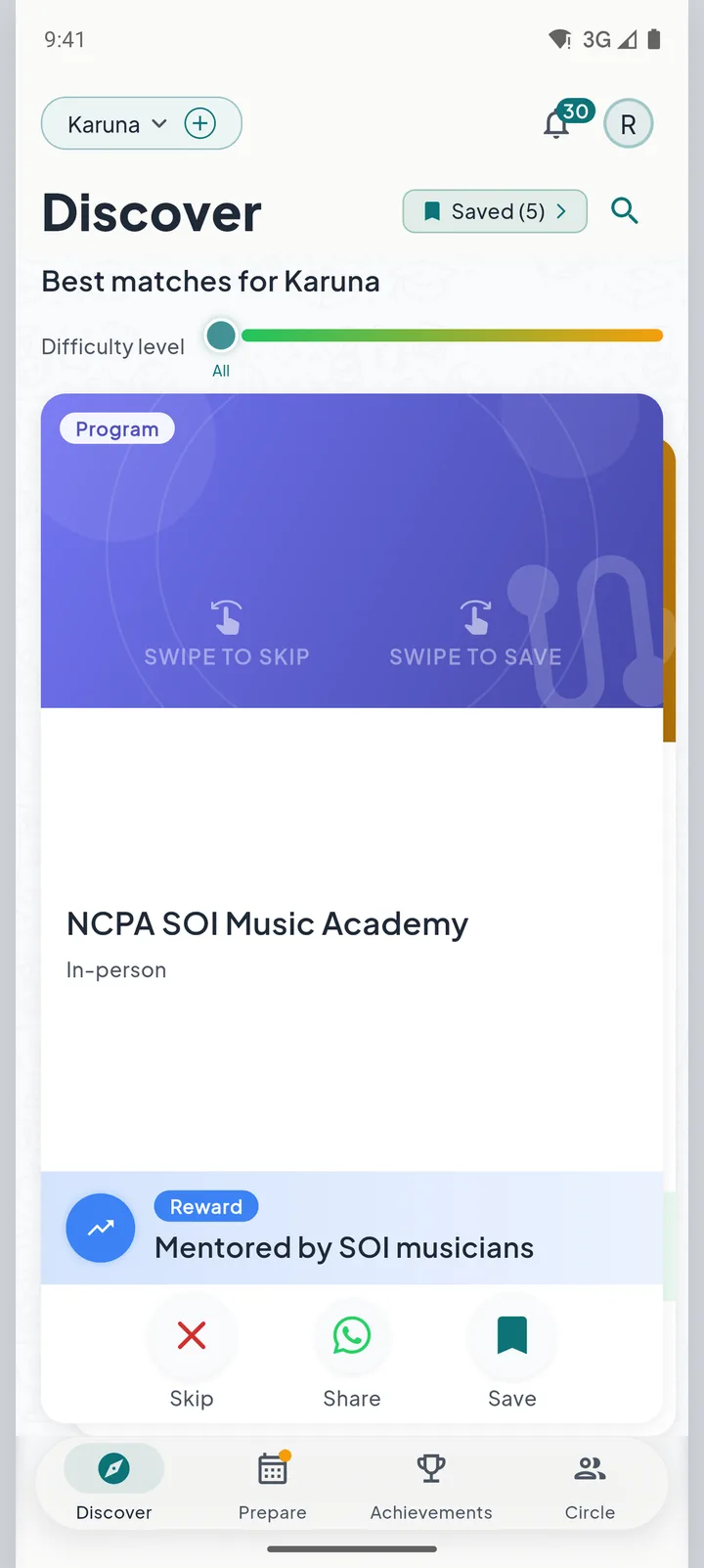
Only what fits your child
Tell the app your child's age and interests once. What reaches you is matched to your child.
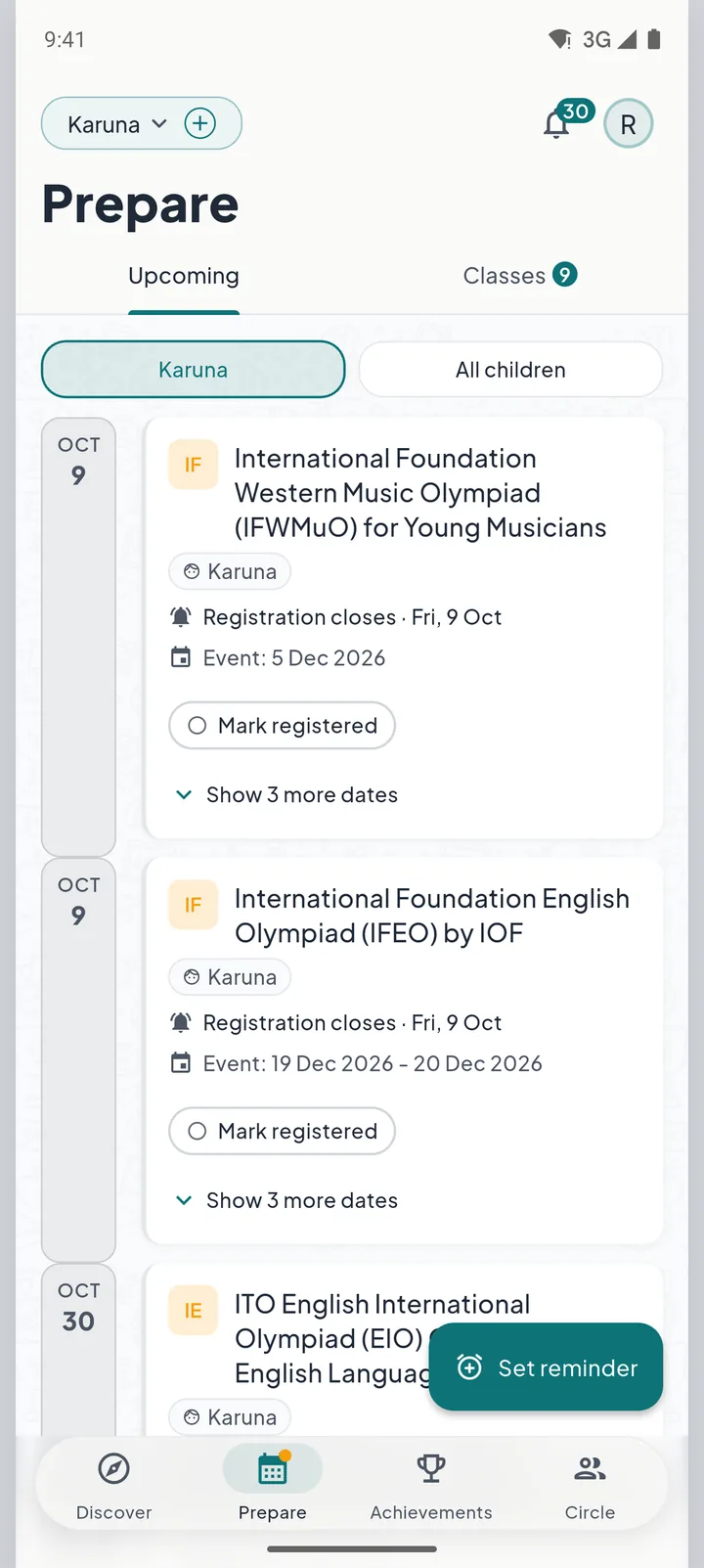
No deadline slips past you
Save what looks right. A reminder arrives before registration closes.
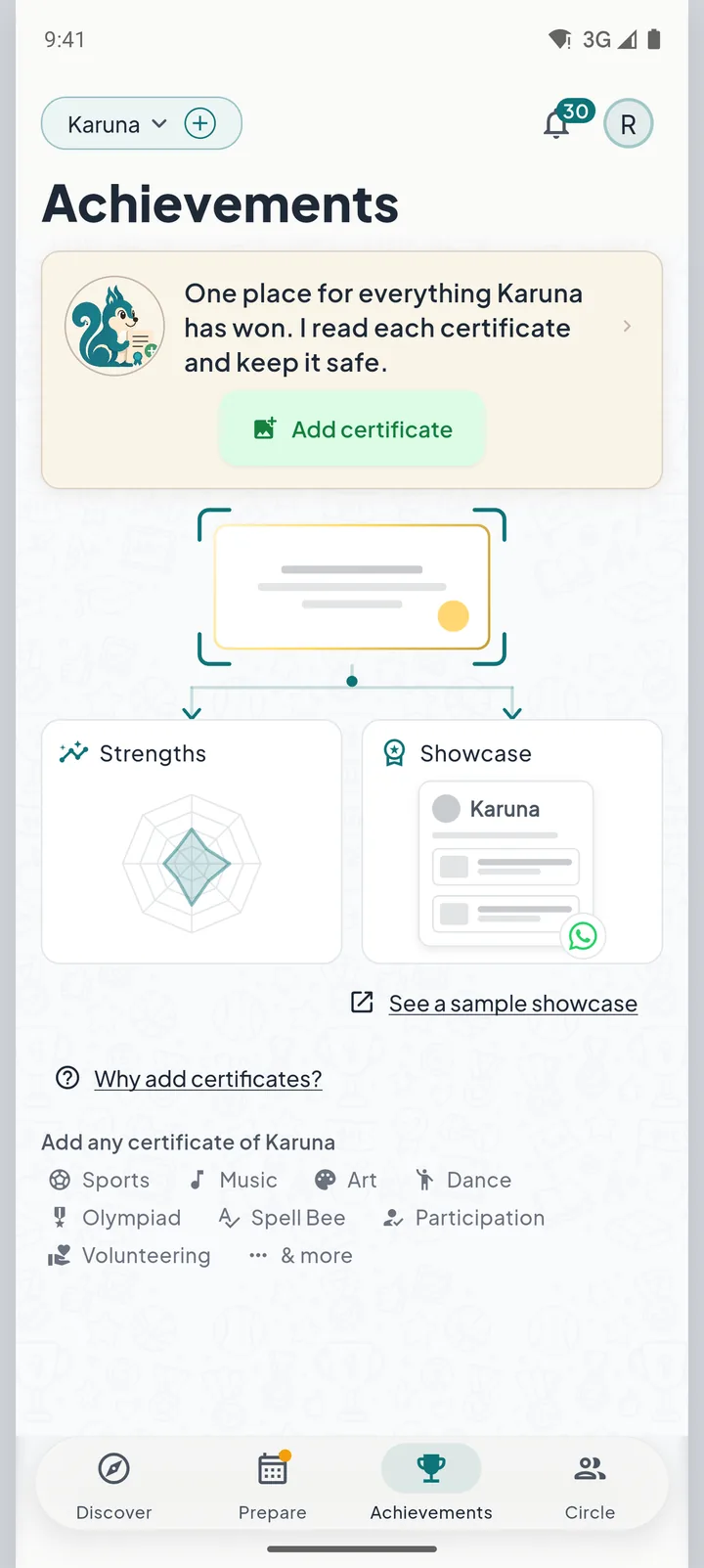
Every certificate in one place
Add a photo of a certificate. The app reads it and keeps it on your child's page.
And your child's wins get a proper stage
When you choose to share, your child's achievements appear on your child's own recognition page, with one link to send.
Up and running in a minute
Download and open
Free on Google Play and the App Store. Sign in with your phone number.
Tell us about your child
Age, interests and dreams. Once.
Get matched, stay reminded
The right opportunities find you, and a reminder arrives before the deadline of every opportunity you save.

Frequently asked questions
Does the WiWit app cost anything?
No. The app is free to download and free to use. When a listing shows a fee, that fee belongs to the organization running the opportunity, and it is paid on their own website, never to WiWit.
What will WiWit send me?
In the app: new opportunities that fit your child, a reminder before each deadline you save, and messages from your child's class or from other parents. You can turn each kind off in the app's settings. On WhatsApp: one message the day you add your child, and a reminder if a class fee is overdue and the app could not show it.
Can I add more than one child?
Yes. Add each of your children, and each one gets their own matched opportunities based on their own age and interests.
What does WiWit do with my child's details?
Your child's age, interests and dreams decide which opportunities you see. WiWit does not share them with the organizations behind the listings and never uses them to target advertising. Your child's page stays private until you share it, and you can delete your account and its data from the app's settings at any time.
Is WiWit available on iPhone?
Yes. WiWit is free on the App Store for iPhone and on Google Play for Android. Download it from either store and sign in with your phone number.

Everything worth it for your child, in one app
Checked opportunities, matched to your child, with a reminder before the deadline of every opportunity you save.